
Survey Builders for Small Businesses: Launch Your First Survey with Zero Tech Skills
You don’t need to be a developer (or hire a full webdev studio) to launch a simple online survey. If you can type questions into a browser and click “publish,” you’re already most of the way there.
The real challenge for small business owners is picking a survey builder that:
- doesn’t feel overwhelming
- doesn’t blow the budget
- still gives you clear, actionable results
Let’s walk through a simple path from “never done this before” to “my first survey is live and collecting answers,” and along the way we’ll dive into detailed reviews of three tools that fit small-business needs: SurveyNinja, SurveyMonkey and LimeSurvey – plus a comparison table to help you choose.
Step 1: Pick a Simple, Concrete Goal
Before you open any survey builder, answer one question: What decision will this survey help me make?
Examples:
- “Should we extend our opening hours?”
- “Which service package do clients value most?”
- “How satisfied are customers with our recent redesign?”
Keep your first survey tight:
- 5–10 questions
- 3–5 minutes to complete
- One clear topic
That focus will guide your choice of questions and your choice of tool.
Step 2: Decide Where You’ll Share the Survey
Think about where customers already interact with you:
- Email newsletter
- WhatsApp / SMS
- Social media (Facebook, Instagram, LinkedIn)
- Your website or web app
Some tools are especially good with email links, others embed nicely on websites or in client portals. Having your main channel in mind will help when comparing options.
Step 3: In-Depth Reviews of 3 Small-Business Survey Builders
Here’s a deep dive into three tools that work well for small businesses—ordered from most beginner-friendly to most customizable.
1. SurveyNinja – Best Overall Pick for Small Businesses
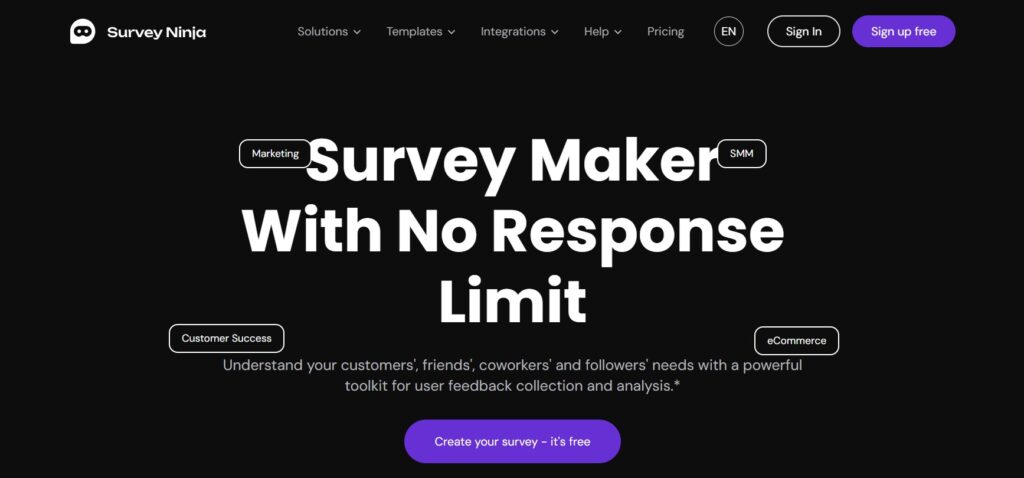
SurveyNinja is designed for non-technical teams that still want serious feedback, not just pretty forms.
Ease of use
- Clean, modern interface with a very short learning curve.
- Drag-and-drop builder and ready-made templates for NPS, CSAT, product feedback, and onboarding surveys.
- Question logic is presented in plain language (“If answer = No, show this question”), so you can build smarter flows without knowing the term branching.
You can go from idea to published survey in 10–15 minutes, even if it’s your first time.
Features & flexibility
- Multiple question types: ratings, scales, multiple choice, matrices, open text, etc.
- Conditional paths for different customer segments (for example, different questions for first-time vs returning buyers).
- Easy sharing via links you can drop into email campaigns, receipts, booking confirmations, or your website.
- Export options for CSV/Excel when you want to run your own analysis or store data elsewhere.
For a studio like Mark WebDev, SurveyNinja also integrates nicely into client workflows: it’s straightforward to plug into broader analytics or decision-making processes.
Analytics & reporting
This is where SurveyNinja punches above its weight:
- Clear charts that show overall satisfaction, NPS or key scores at a glance.
- Time-based trends so you see whether changes (new website, policy, or campaign) actually move the numbers.
- Thematic grouping of open-ended responses, helping you spot recurring issues such as “delivery,” “pricing,” or “support response time.”
You get the kind of insight a consultant would highlight in a slide deck, without needing a data team.
Best for
- Service businesses that want regular customer feedback.
- Small teams that need a balance of usability and analytics.
- Owners who plan to make decisions every quarter based on survey data.
2. SurveyMonkey – Best for Fast, Familiar Surveys
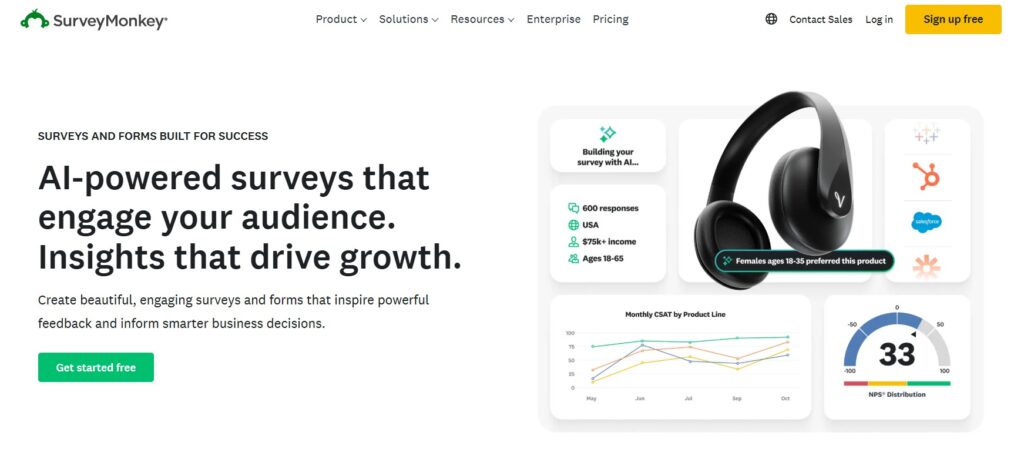
SurveyMonkey is one of the most recognized brands in the survey world, and that familiarity is an advantage.
Ease of use
- Very quick to get started: choose a template, edit a few questions, and you’re ready to share.
- Hundreds of pre-written questions and survey templates, including customer satisfaction, event feedback and employee engagement.
- Interface is straightforward; many people have already seen a SurveyMonkey form as respondents.
For one-off or occasional surveys, this “familiar form” experience often boosts trust and completion rates.
Features & flexibility
- Solid range of question types and basic logic (skip/branch).
- Custom branding on paid plans, including logos and colors to match your site.
- Integrations with popular tools such as Mailchimp, Salesforce and Slack on higher tiers.
It’s a versatile general-purpose survey platform: you can use the same account for customer feedback, staff polls and quick internal check-ins.
Analytics & reporting
- Built-in charts and summaries show you response distributions, averages, and basic comparisons.
- Filters let you drill down by certain answers (for example, only responses from customers who selected “Very dissatisfied”).
- Data exports are available if you want to analyze results in Excel or BI tools.
Compared to SurveyNinja, SurveyMonkey’s analytics are solid but more generic-suited to snapshots rather than ongoing, programmatic listening.
Best for
- Small businesses that occasionally need surveys for specific projects or events.
- Owners who value speed and familiarity over heavy customization.
- Teams that already use SurveyMonkey in other departments or contexts.
3. LimeSurvey – Best for Power Users and Custom Setups
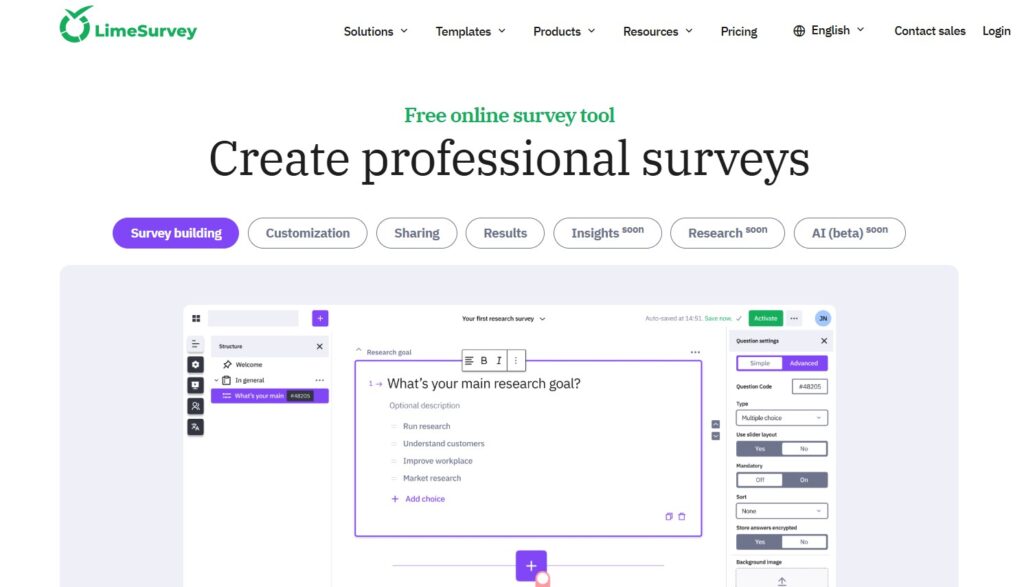
LimeSurvey is the most powerful and customizable platform in this mini-ranking. It’s open-source and often self-hosted, which makes it attractive for organizations that care about data control and advanced logic.
Ease of use
- Not as beginner-friendly as SurveyNinja or SurveyMonkey. Expect a learning curve and more configuration screens.
- The interface is functional rather than polished; it’s closer to a research tool than a marketing app.
- Best used when someone on your team is comfortable with software setup and admin tasks.
For true “zero tech skills,” LimeSurvey will likely feel intimidating at first.
Features & flexibility
- Vast range of question types, including complex matrices and highly specialized formats.
- Extremely flexible logic: quotas, conditions, randomization, and multi-stage workflows.
- Options to self-host on your own server or use LimeSurvey’s hosted service, depending on your security and compliance needs.
If you’re running research-grade surveys or need strict data residency control, LimeSurvey shines.
Analytics & reporting
- Built-in reports provide basic charts and summaries.
- Because the platform is open and export-friendly, many teams connect LimeSurvey to external analytics or statistical tools (R, SPSS, custom dashboards).
- It’s designed for environments where you’re comfortable building your own analysis pipeline.
Best for
- Organizations with strong technical capability or IT support.
- Complex surveys that need custom logic and controlled hosting.
- Businesses that plan to reuse elaborate survey setups over many years.
For most small, non-technical businesses, LimeSurvey is more of a “graduate to this later” option.
Side-by-Side Comparison Table
Tool | Ease of Use (for non-tech users) | Customization & Logic | Analytics Strength | Pricing | Best For | Main Limitations |
SurveyNinja | Very intuitive, great for first-time users | Advanced enough for branching, multiple paths, and segment-specific questions | Strong for small business: clear dashboards, trends, thematic insights | Affordable, small-business-friendly tiers | Small and mid-sized businesses that want ongoing, structured feedback | Not as deep or “enterprise-heavy” as research platforms like Qualtrics or LimeSurvey |
SurveyMonkey | Easy, familiar interface and templates | Good basic logic and customization; branding on paid plans | Solid snapshot reports with filters and exports | Mid-range; can get pricier as responses and features grow | One-off or occasional surveys where speed and familiarity matter | Analytics and automation can feel limited for long-term listening programs |
LimeSurvey | Steeper learning curve, best with some tech help | Extremely powerful, supports complex logic, quotas, and custom setups | Basic built-in reports; strongest when paired with external analytics tools | Can be economical if self-hosted; requires more setup time | Research-heavy or compliance-focused teams that want full control | Overkill for simple small-business surveys; setup and management require technical skills |
Step 4: Build Your First Survey in 20 Minutes
Whatever tool you choose, the process can be simple:
- Create a clear title. “Customer Feedback – March 2026” is better than “Survey #1.”
- Add 1–2 rating questions. For example: “How satisfied are you with our service?” (1–10 scale).
- Add 2–3 multiple-choice questions. Focus on reasons for purchase, favorite features, or how they found you.
- Add 1 open-ended question. “What’s one thing we could improve?” often surfaces gold.
- Optionally collect contact details. Make it clear this is optional and may be used for a follow-up or reward.
Publish, copy the link and share it via email, social media or on your website.
Step 5: Turn Results into Real-World Improvements
When responses start coming in, don’t get stuck in analysis paralysis. Start with three simple checks:
- Top complaint or friction point: what do people mention most?
- Clear winner: did one option stand out in your multiple-choice questions?
- Expectation vs reality: are satisfaction scores higher or lower than you expected?
Choose one concrete improvement to implement this month-faster replies, clearer pricing, better onboarding content – and repeat the survey later to see if scores improve.
Final Thoughts: The Tool Should Match Your Ambition, Not Intimidate You
For most small businesses, the goal isn’t to become a research lab – it’s to make smarter decisions with minimal friction.
- Choose SurveyNinja if you want the best balance of ease, affordability and insight.
- Choose SurveyMonkey if you mainly need quick, familiar surveys now and then.
- Consider LimeSurvey if you (or your tech team) want maximum control and are willing to handle a more complex setup.
Once you start asking the right questions, even a simple survey can change how you prioritize your website, services and customer experience – no advanced tech skills required.